Tutorial7 min read
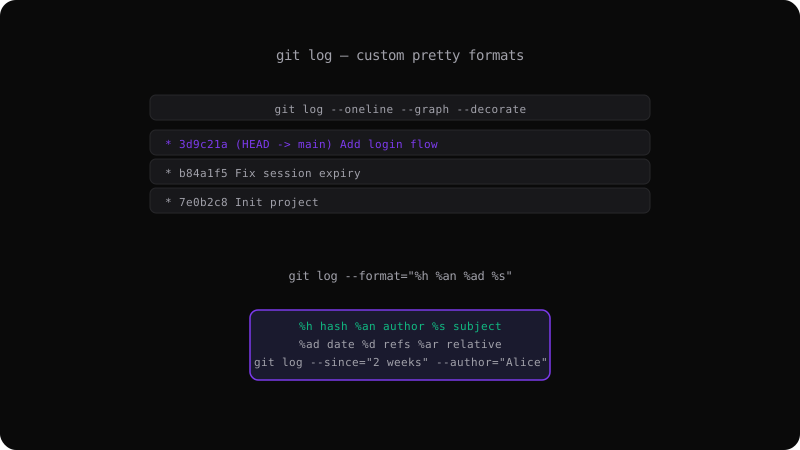
Git Log Formats: Customize Your History Output
Master git log with custom formats, filters, and graph views. Learn the format placeholders that turn raw history into a readable, useful log.
Read more →Articles, tutorials, and guides about Git commands, workflows, and best practices.
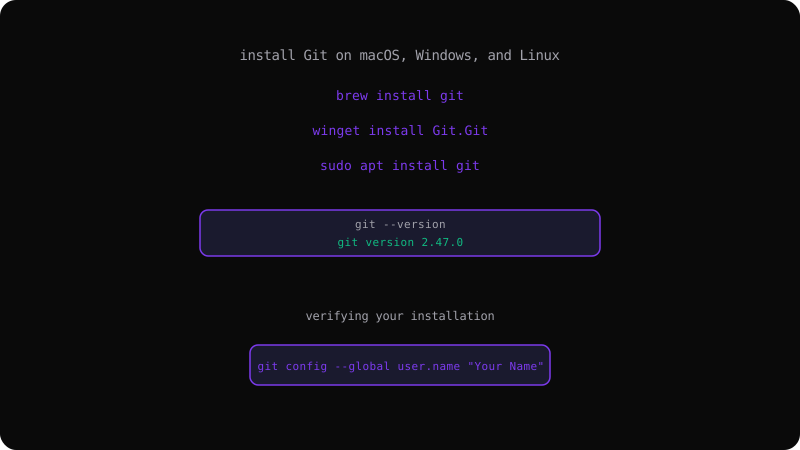
A step-by-step setup guide covering every major platform, from Homebrew and Winget to package managers, plus verifying your install and configuring your identity.
Read more →Master git log with custom formats, filters, and graph views. Learn the format placeholders that turn raw history into a readable, useful log.
Read more →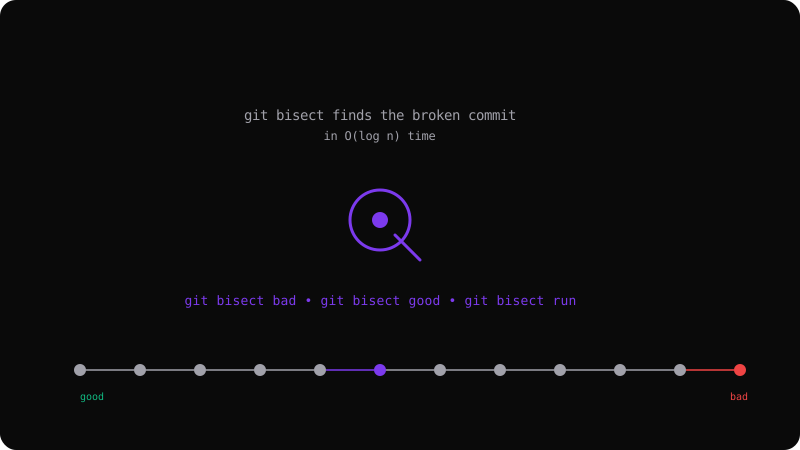
Stop manually searching through history. Use git bisect to binary search your commit log and find the exact change that broke everything.
Read more →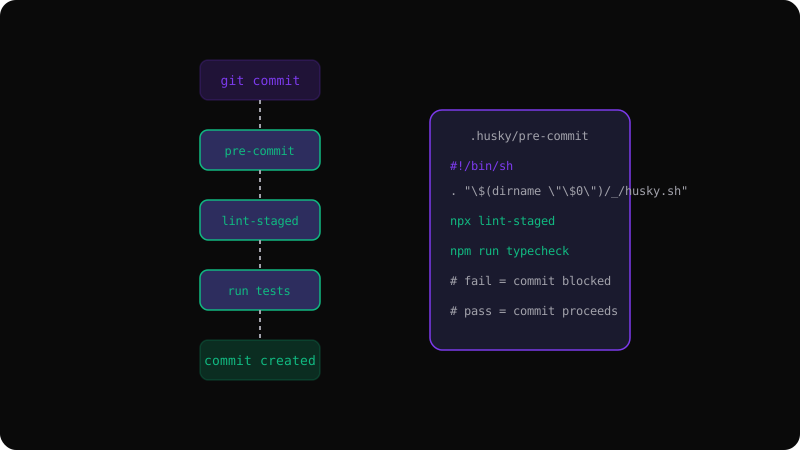
Automate linting, testing, and formatting with Git hooks. A practical guide to pre-commit, pre-push, and managing hooks across your team.
Read more →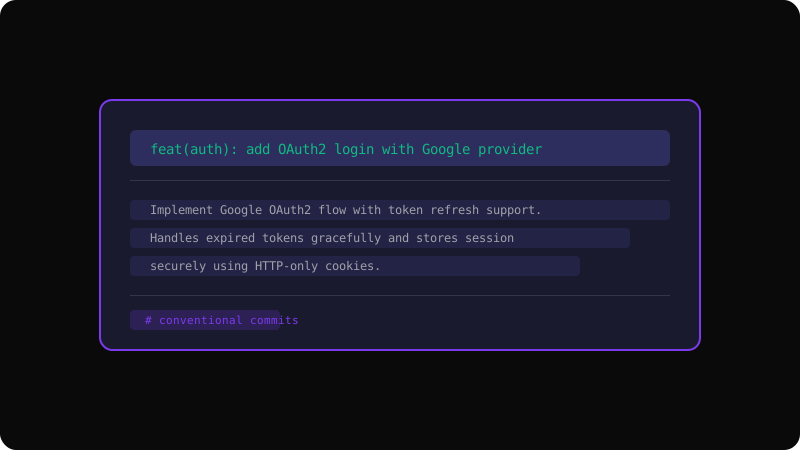
A practical guide to writing clear, conventional commit messages that make your project history readable and your team more productive.
Read more →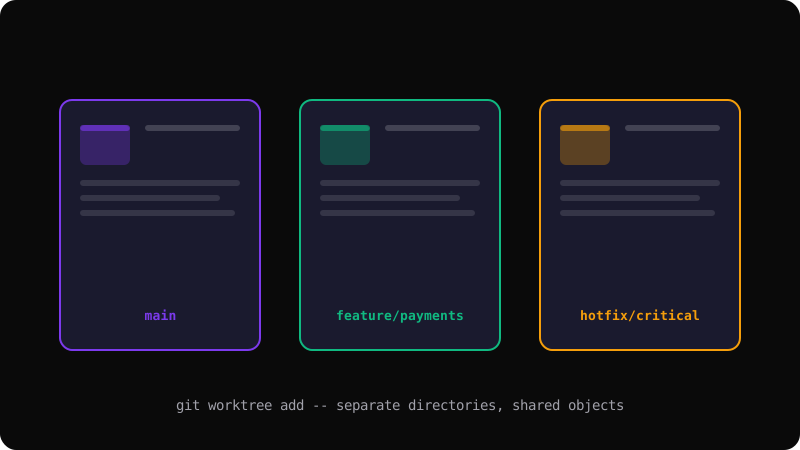
Stop stashing and switching. Learn how git worktree lets you check out multiple branches in separate directories simultaneously.
Read more →
Understand the core concepts — repositories, commits, branches, and remotes — before diving into the command line.
Read more →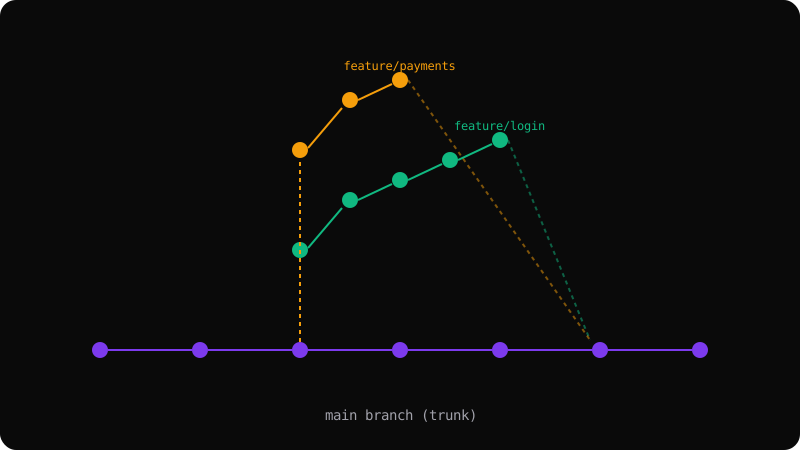
Compare the most popular branching models and learn when to use merge, rebase, and squash for a clean project history.
Read more →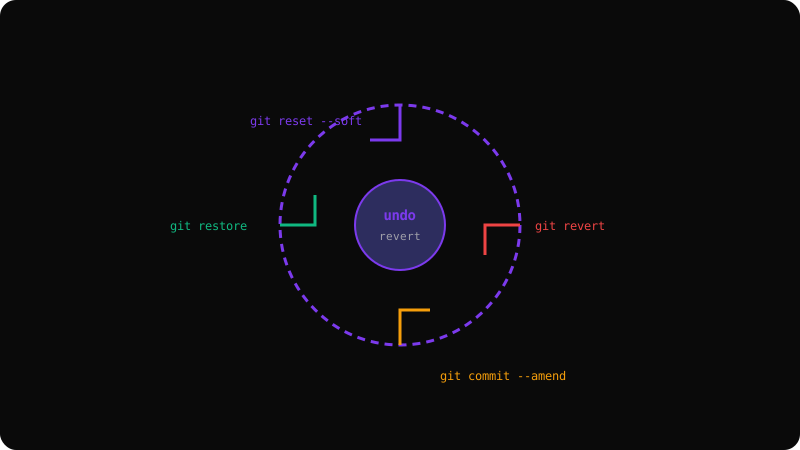
From amending commits to recovering deleted branches — a practical guide to Git's safety net commands.
Read more →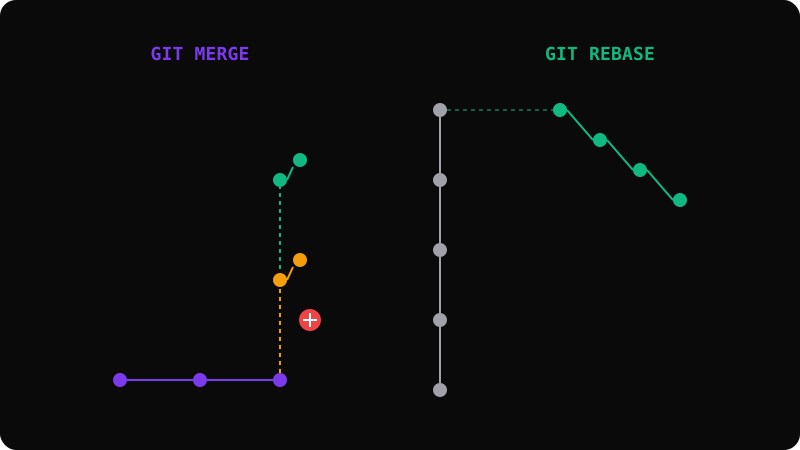
A clear breakdown of the trade-offs between rebasing and merging, with examples of when each approach makes sense.
Read more →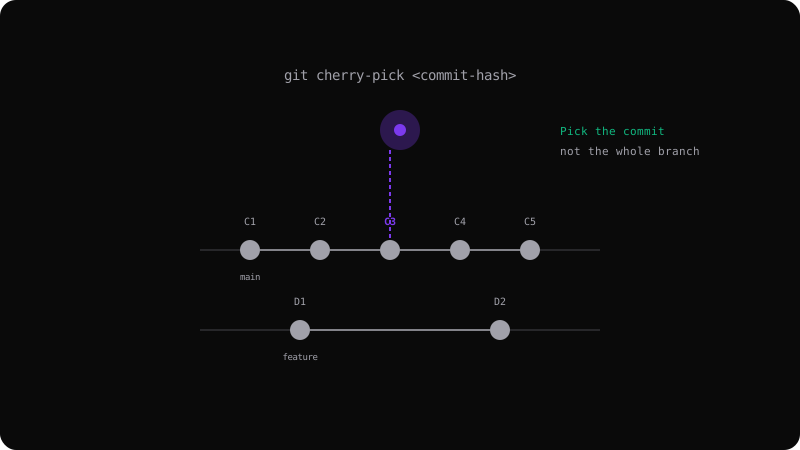
Learn how to pick individual commits from one branch and apply them to another without merging the entire branch.
Read more →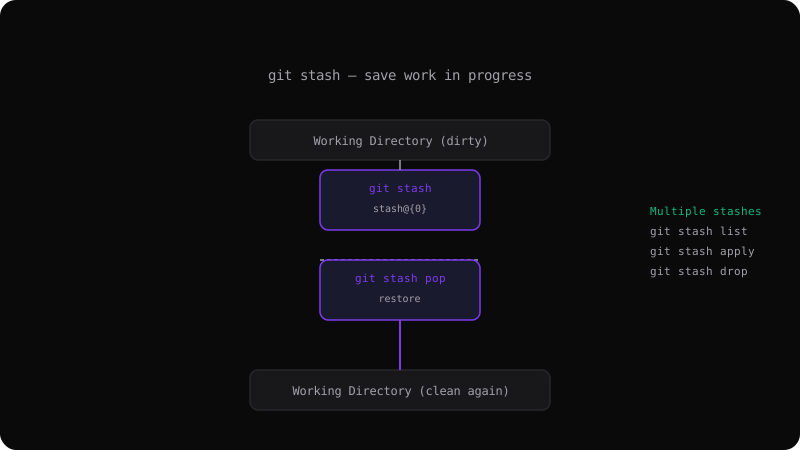
Stop committing half-finished work. Learn how git stash temporarily shelves changes so you can switch contexts cleanly.
Read more →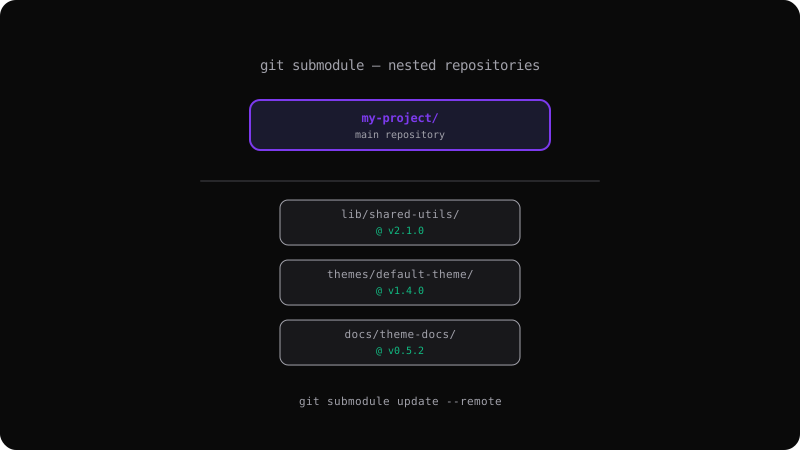
Include one repository inside another with git submodules. A practical guide to adding, updating, and working with nested repos.
Read more →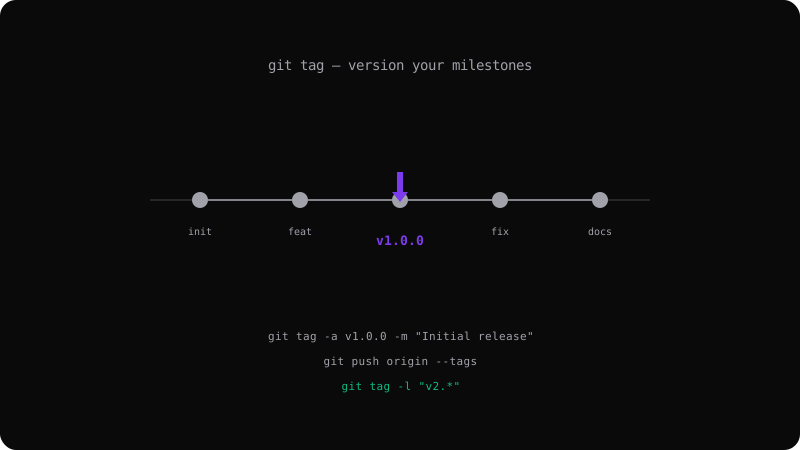
Mark important commits with tags for releases, versions, and milestones. Learn lightweight vs annotated tags and how to share them.
Read more →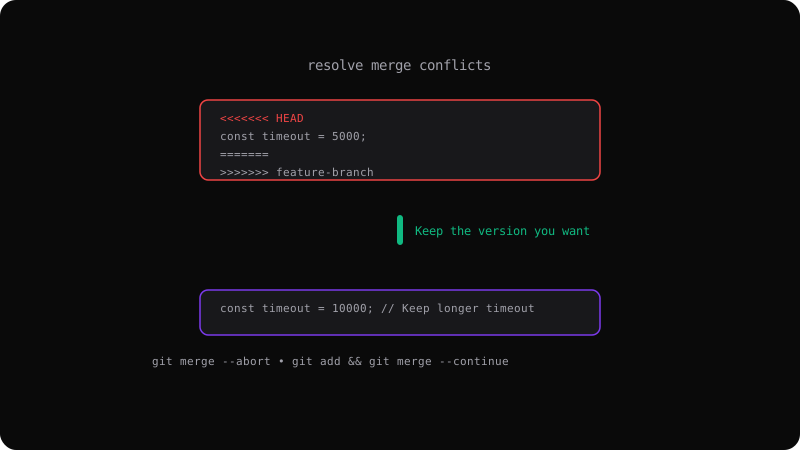
Conflicts are inevitable. Learn how to read conflict markers, resolve them systematically, and use tools to make merging painless.
Read more →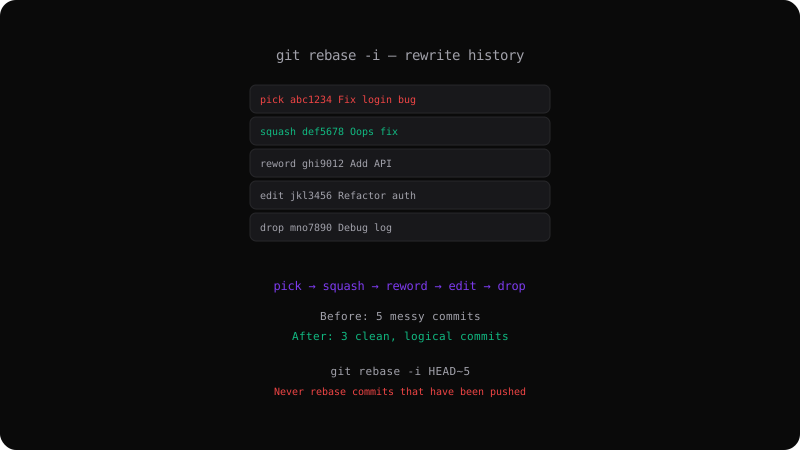
Squash, reword, reorder, or drop commits before merging. Master git rebase -i to present a clean, logical project history.
Read more →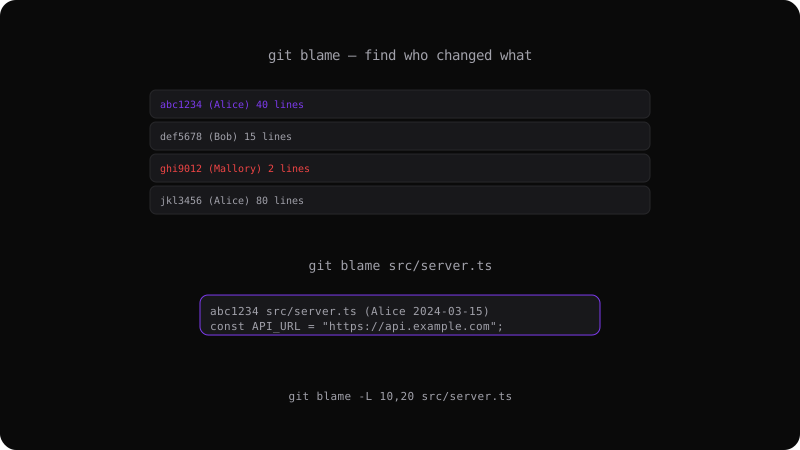
Use git blame to find who last modified every line of a file. Essential for code review, debugging, and understanding project history.
Read more →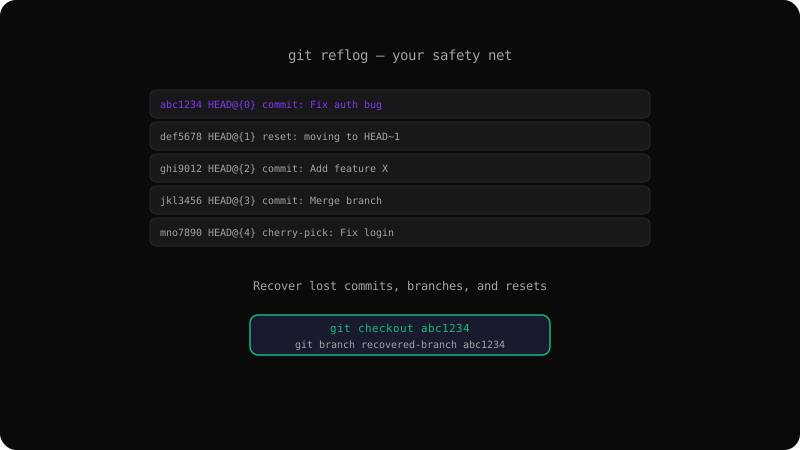
Deleted a branch? Lost commits after a reset? Git reflog tracks every movement of HEAD and can recover what seems lost forever.
Read more →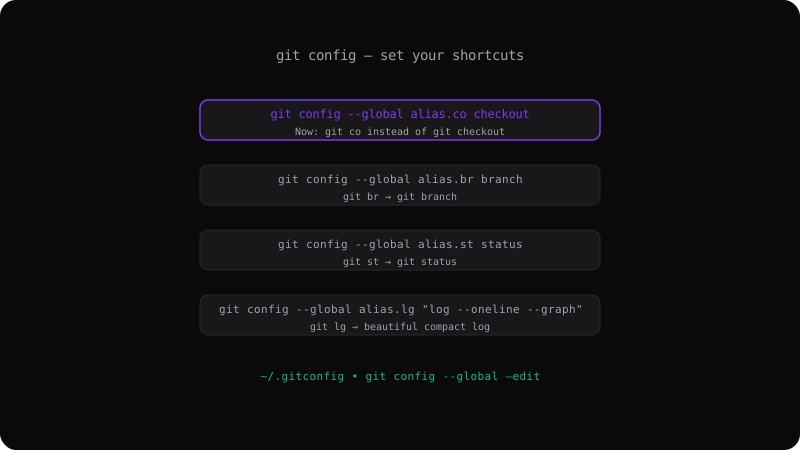
Create shortcuts for your most-used Git commands. Save keystrokes and reduce typos with custom Git aliases.
Read more →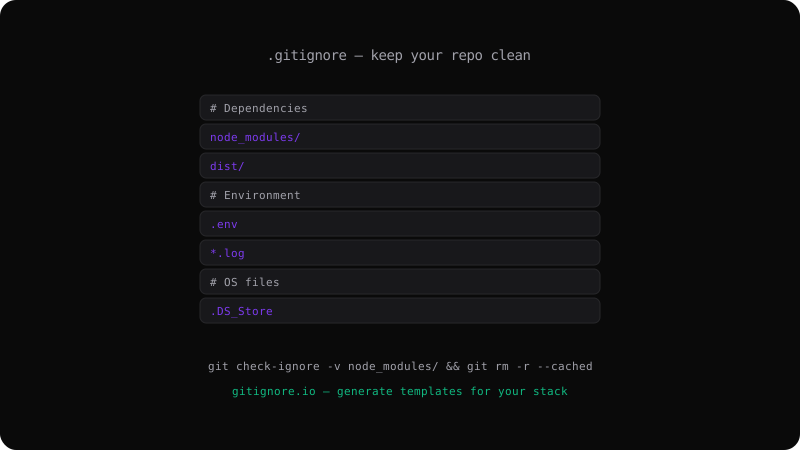
Stop accidentally committing dependencies, build artifacts, and secrets. Master the .gitignore file and its patterns.
Read more →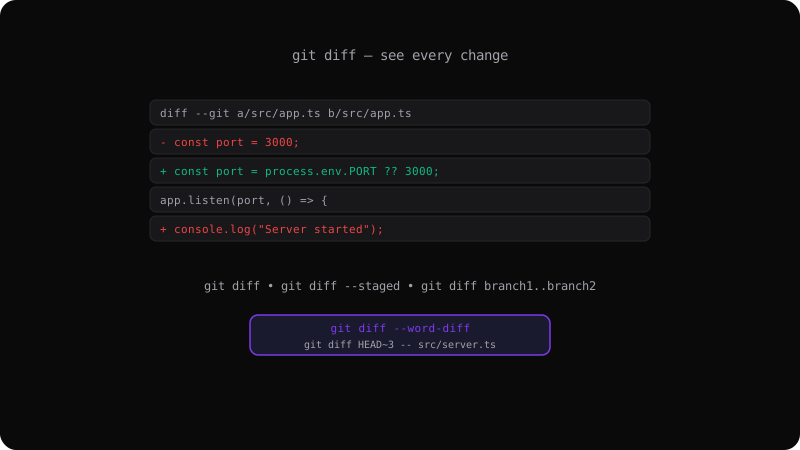
See exactly what changed between commits, branches, or your working directory. Master git diff for thorough code reviews.
Read more →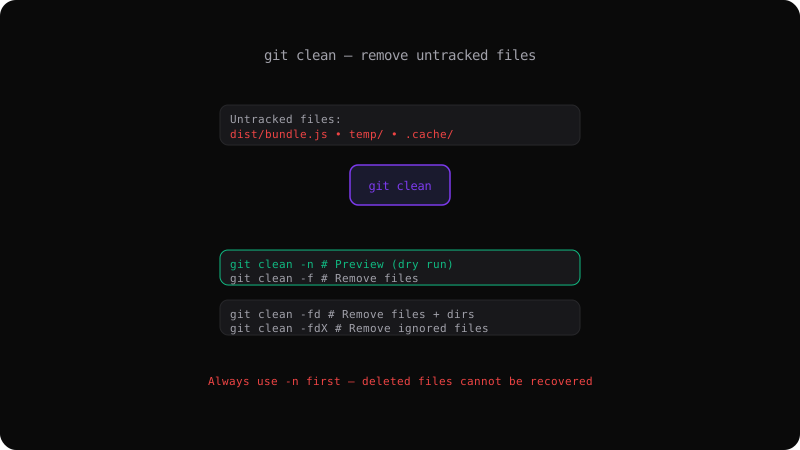
Clear out build artifacts, temp files, and clutter from your working directory with git clean — safely.
Read more →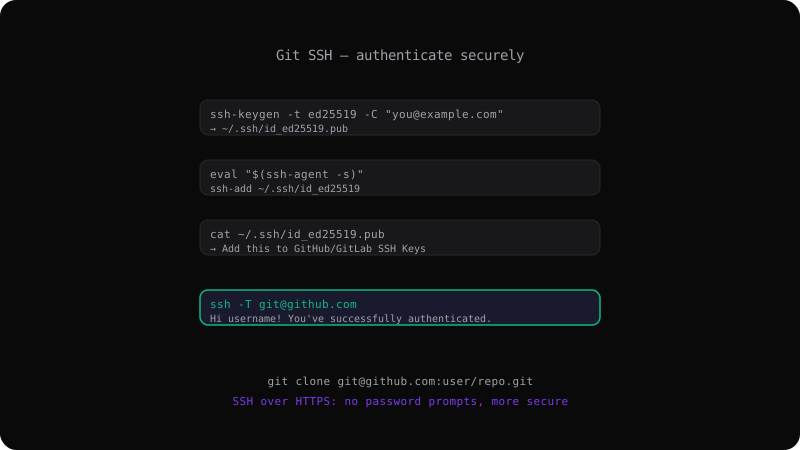
Set up SSH keys for password-less, secure Git operations. Connect to GitHub, GitLab, and any Git server without typing credentials.
Read more →