Git Bisect: Find the Exact Commit That Introduced a Bug
The Debugging Nightmare
You discover a bug. You know it worked last week. But between then and now, there are 50 commits from 6 developers. Where did things go wrong?
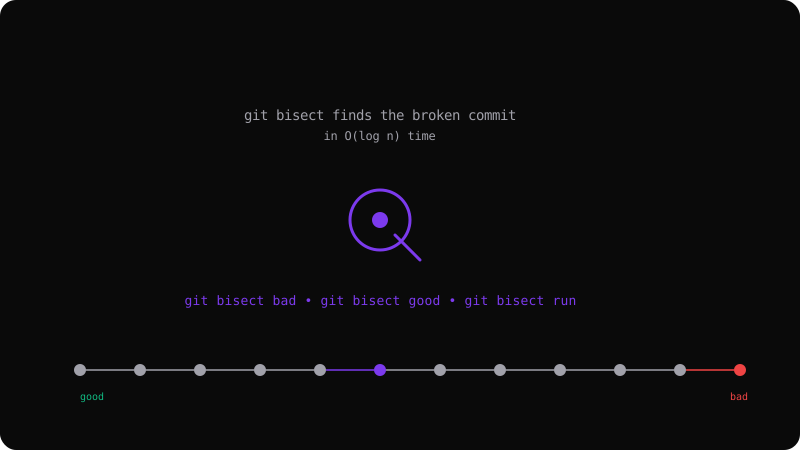
Manually scanning through every commit is tedious and error-prone. git bisect automates this with a binary search — it narrows down the faulty commit in O(log n) time.
How Binary Search Works
With 50 commits, a linear search would check up to 50 commits. Binary search checks at most 6 (log₂ 50):
- Pick the commit halfway between "good" and "bad"
- Test it — is the bug present?
- If yes, the bug is in the earlier half; if no, it is in the later half
- Repeat until only one commit remains
Basic Bisect Workflow
# Start bisect
git bisect start

# Mark the current commit as bad (has the bug)
git bisect bad

# Mark a known-good commit (before the bug existed)
git bisect good v1.0.0

# Git checks out a commit halfway between good and bad
# Test it manually, then tell Git:
git bisect good  # if bug is NOT present
# OR
git bisect bad   # if bug IS present

# Repeat until Git shows the first bad commit
# abc1234 is the first bad commit
Automating with a Script
If you can write a script that returns 0 (good) or 1 (bad), bisect runs fully automatically:
git bisect start HEAD v1.0.0
git bisect run npm test
# Git binary-searches through all commits, running
# npm test at each step, and finds the culprit
This is incredibly powerful for regression testing. Run your test suite against every bisect step without manual intervention.
Practical Tips
When the bug is in a specific file: Use git bisect -- <file-path> to skip commits that do not touch that file, speeding up the search.
Skip unbuildable commits: If a commit does not compile, use git bisect skip to move past it.
Visualize progress:
git bisect visualize --oneline
# Shows a graph of remaining candidate commits
Resetting After Bisect
When done, clean up:
git bisect reset
# Returns to your original branch and position
git bisect turns hours of manual debugging into minutes. Every developer should have it in their toolkit — it is one of Git's most powerful debugging features.
Get the Offline Git Field Guide
The 97-page PDF + ePub course — $9. Read this command, offline.