Tutorial5 min read
Git Diff: Compare Changes Across Commits and Branches
What Git Diff Shows
git diff shows the differences between two states of your repository — unstaged changes, staged changes, commits, or branches.
# Unstaged changes (working directory vs staging)
git diff

# Staged changes (staging vs last commit)
git diff --staged

# All changes (unstaged + staged)
git diff HEAD
Comparing Commits
# Between two commits
git diff abc1234..def5678

# Between a commit and HEAD
git diff HEAD~3..HEAD

# Just the files that changed (no content)
git diff --name-only HEAD~3..HEAD
Comparing Branches
# What's different between main and feature
git diff main..feature

# What feature has that main doesn't:
git diff main...feature
# (three dots = changes on feature since it diverged from main)
Reading Diff Output
diff --git a/src/app.ts b/src/app.ts
--- a/src/app.ts
+++ b/src/app.ts
@@ -10,6 +10,8 @@
 const port = 3000;
+const host = "0.0.0.0";
 app.listen(port);
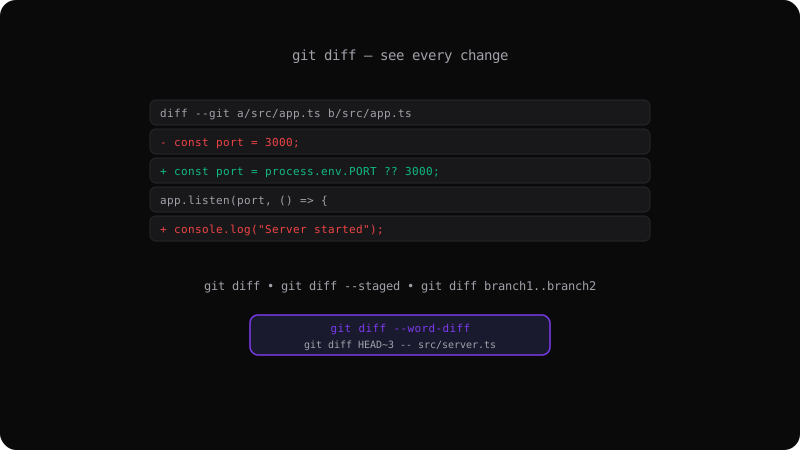
Red lines with - are removed, green lines with + are added. The @@ line shows the file position.
Useful Diff Options
# Ignore whitespace
git diff -w

# Show word-level changes (not line-level)
git diff --word-diff

# Show stats only
git diff --stat

# Generate a patch file
git diff > changes.patch
Diff in Review Workflows
Use git diff before every commit to catch unintended changes. It is the fastest code review tool you have — it runs locally, shows exactly what you are about to commit, and takes seconds.
Get the Offline Git Field Guide
The 97-page PDF + ePub course — $9. Read this command, offline.