Guide5 min read
.gitignore: Keep Unwanted Files Out of Your Repository
What Is .gitignore?
A .gitignore file tells Git which files and directories to ignore — they will never be staged, committed, or tracked. Every project should have one.
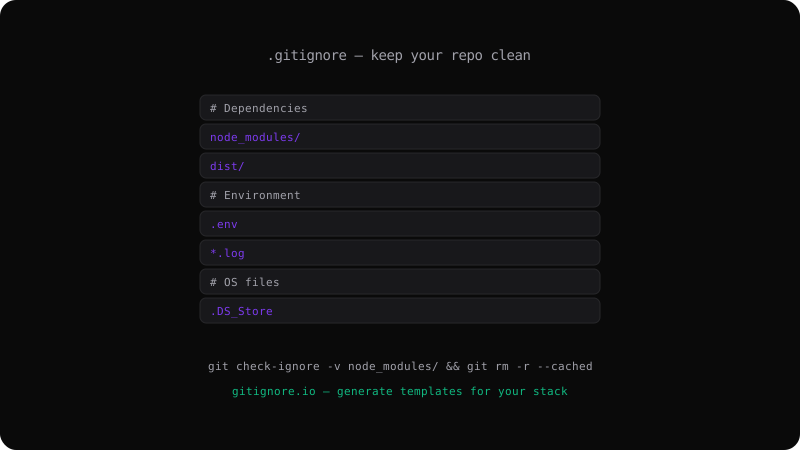
# Dependencies
node_modules/

# Build output
dist/
build/
out/

# Environment
.env
.env.local

# Logs
*.log

# OS files
.DS_Store
Thumbs.db
Pattern Rules
# Ignore a specific file
secret.txt

# Ignore a directory
build/

# Wildcard — ignore all .log files
*.log

# Ignore everything in a directory, but not the directory itself
logs/*
!logs/.gitkeep

# Ignore files at root only
/key.pem     # ignores /key.pem but not src/key.pem
Global .gitignore
Set up a global ignore file for your OS and editor files:
git config --global core.excludesFile ~/.gitignore_global
Then add things like .DS_Store and *.swp to ~/.gitignore_global.
Remove a Tracked File
If you accidentally committed a file that should be ignored:
# Add it to .gitignore first
echo ".env" >> .gitignore

# Remove from tracking (keep on disk)
git rm --cached .env

# Commit the removal
git commit -m "Stop tracking .env"
Check Why a File Is Ignored
git check-ignore -v node_modules/package.json
# Output: .gitignore:2:node_modules/  node_modules/package.json
Templates
Use gitignore.io in your browser or terminal to generate starter files for your tech stack. Every language and framework has standard patterns — start from there and customize.
A well-maintained .gitignore prevents security leaks, keeps your repo lean, and makes code reviews faster by excluding generated files.
Get the Offline Git Field Guide
The 97-page PDF + ePub course — $9. Read this command, offline.