Tutorial4 min read
Git Tagging: Versioning Your Project Milestones
What Are Tags?
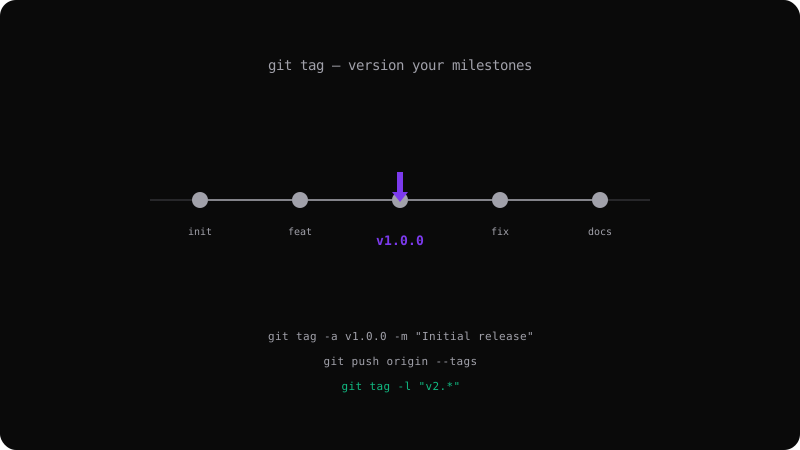
A tag is a named reference to a specific commit. Unlike branches, tags do not move — they permanently mark a point in history. Tags are ideal for releases, version bumps, and important milestones.
git tag v1.0.0
Lightweight vs Annotated Tags
Lightweight tags are just a name pointing to a commit — like a branch that never moves.
git tag v1.0.0
Annotated tags store metadata: the tagger's name, email, date, and a message. Use these for public releases:
git tag -a v1.0.0 -m "Initial production release"
Viewing Tags
# List all tags
git tag

# Filter by pattern
git tag -l "v2.*"

# Show tag details
git show v1.0.0
Pushing Tags
Tags are not pushed by default with git push. You must push them explicitly:
# Push a specific tag
git push origin v1.0.0

# Push all tags
git push origin --tags
Checkout a Tag
To inspect code at a specific version:
git checkout v1.0.0
# You are now in detached HEAD state
Semantic Versioning
Most projects follow semver: MAJOR.MINOR.PATCH:
- MAJOR — breaking changes (v2.0.0)
- MINOR — new features, backward compatible (v1.1.0)
- PATCH — bug fixes, backward compatible (v1.0.1)
git tag -a v2.0.0 -m "Breaking: redesign API endpoints"
git tag -a v1.1.0 -m "Feat: add user search endpoint"
git tag -a v1.0.1 -m "Fix: handle null response in auth"
Tags make your release history navigable and integrate with CI/CD pipelines for automated deployments.
Get the Offline Git Field Guide
The 97-page PDF + ePub course — $9. Read this command, offline.