Git Worktrees: Work on Multiple Branches at Once
The Problem with Context Switching
Every developer knows the pain: you are mid-way through a feature on branch A, and someone asks you to urgently fix a bug on branch B. You stash your changes, switch branches, fix the bug, switch back, and pop your stash. This workflow is error-prone and interrupts your flow.
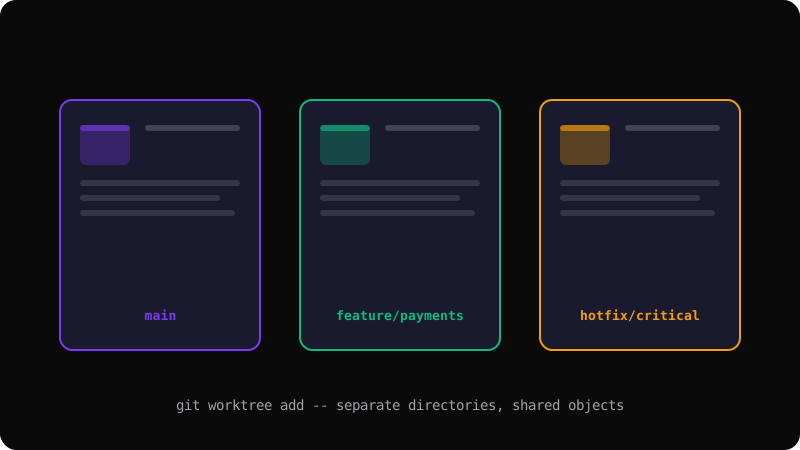
Git worktrees solve this by letting you check out multiple branches into separate directories — all sharing the same repository.
What is a Worktree?
A worktree is an additional working directory linked to your repository. Each worktree has its own working directory, staging area, and HEAD pointer, but they all share the same object database, refs, and configuration. This means no extra disk space for duplicate objects.
# Add a worktree for a feature branch
git worktree add ../feature-login feature-login

# Now you have two directories:
# ./my-project (on main)
# ../feature-login (on feature-login)
Common Workflows
Bug fix while working on a feature:
# While on feature branch in ./my-project
git worktree add ../hotfix main
cd ../hotfix
# Fix the bug, commit, and push
git checkout -b hotfix-critical
git commit -m "Fix critical authentication bug"
git push origin hotfix-critical
cd ../my-project
# Resume your feature work — no stashing needed
Review a pull request locally:
git worktree add ../pr-review origin/feature/new-api
cd ../pr-review
# Explore, test, and review the code
Managing Worktrees
# List all worktrees
git worktree list

# Remove a worktree when done
git worktree remove ../feature-login

# Prune stale worktree references (if you deleted the directory manually)
git worktree prune
Important Rules
- You cannot check out the same branch in two worktrees
- Always run
git worktree removeinstead of deleting the directory manually - Worktrees share the same remote configuration — pushing from one affects all
- Each worktree has its own reflog — lost commits in one won't appear in another
Worktrees are one of Git's most underused features. Once you start using them, you will wonder how you managed without them.
Get the Offline Git Field Guide
The 97-page PDF + ePub course — $9. Read this command, offline.