Tutorial4 min read
Git Blame: Track Changes Back to Their Author
What Git Blame Does
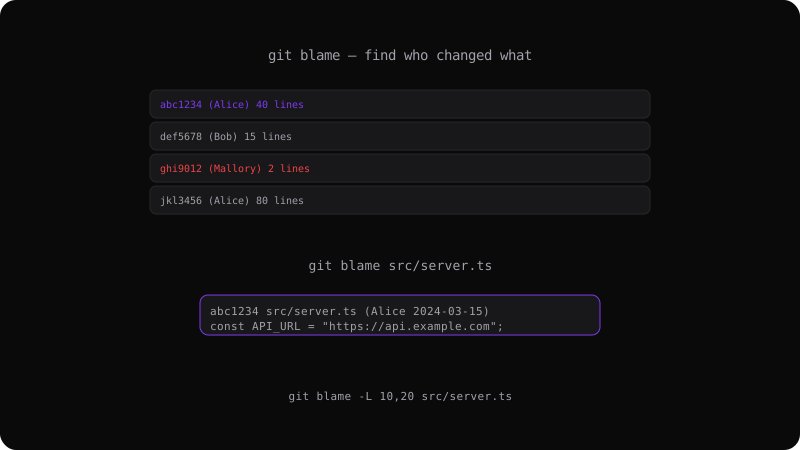
git blame annotates every line of a file with the commit hash, author, and date of the last modification. It answers: "Who changed this line, and when?"
git blame src/server.ts
Output:
abc1234 (Alice  2024-03-15) const API_URL = "https://api.example.com";
def5678 (Bob    2024-04-01) const timeout = 5000;
ghi9012 (Alice 2024-05-10) function fetchData() {Practical Uses
Find who introduced a bug:
git blame src/auth.ts
# Find the line with the bug, note the commit hash
git show abc1234
Understand why code exists:
Sometimes the blame output points to a commit whose message explains the reasoning behind a seemingly odd line of code.
Useful Options
# Blame a specific range of lines
git blame -L 30,50 src/utils.ts

# Show the raw commit contents alongside blame
git blame -s src/config.ts

# Ignore whitespace changes
git blame -w src/styles.css

# Follow file renames
git blame -C src/refactored.ts
Blame Etiquette
Blame finds responsibility, not fault. A commit that introduced a bug was a best-effort change at the time. Use blame to understand and collaborate, not to assign blame in the accusatory sense.
Combining with Other Commands
# Blame + log for full context
git blame src/app.ts | grep "TODO"
git log --oneline -5 -- src/app.ts
git blame is a forensic tool for understanding the evolution of your codebase, one line at a time.
Get the Offline Git Field Guide
The 97-page PDF + ePub course — $9. Read this command, offline.