Tutorial5 min read
Git Reflog: Recover Lost Commits and Branches
What Is Reflog?
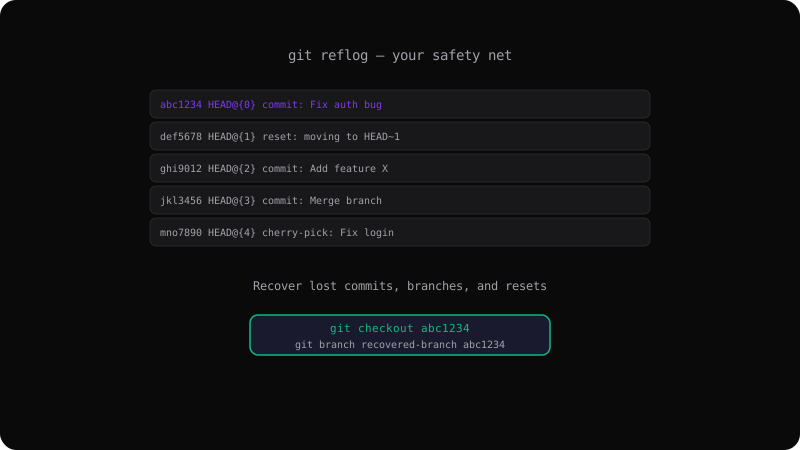
The reflog (reference log) records every time the tip of a branch or HEAD changes. It is Git's local diary — it remembers commits even after you reset, rebase, or delete a branch.
git reflog
abc1234 HEAD@{0} commit: Fix auth bug
def5678 HEAD@{1} reset: moving to HEAD~1
ghi9012 HEAD@{2} commit: Add feature X
jkl3456 HEAD@{3} commit: Merge branch 'feature'Common Recovery Scenarios
Recover from a hard reset:
# Oops, you ran this:
git reset --hard HEAD~3

# Find the lost commits:
git reflog
# See abc1234 at HEAD@{5}

# Go back:
git reset --hard abc1234Recover a deleted branch:
# The branch is gone, but the commits are not:
git reflog | grep "feature-login"
# Find the last commit on that branch

# Recreate the branch:
git branch feature-login abc1234
Reflog vs History
The reflog is local — it only exists on your machine. It is not pushed or shared with remotes. Each repository has its own reflog for HEAD, branches, and stashes.
Reflog Expiration
Reflog entries expire:
- 90 days for commits reachable from a branch
- 30 days for unreachable commits
You can adjust this with gc.reflogExpire.
git config --global gc.reflogExpire 180
git config --global gc.reflogExpireUnreachable 60
Best Practices
- Check reflog before panicking after a destructive command
- Use
git reflogregularly to understand how Git works - Remember: reflog is local — push important branches early and often
git reflog is Git's safety net. It has saved countless developers from lost work.
Get the Offline Git Field Guide
The 97-page PDF + ePub course — $9. Read this command, offline.