Guide4 min read
Git Aliases: Speed Up Your Daily Workflow
What Are Git Aliases?
Aliases are custom shorthand commands defined in your Git config. Instead of typing git commit --amend every time, you can set git amend and save dozens of keystrokes daily.
Setting Up Aliases
# Basic alias
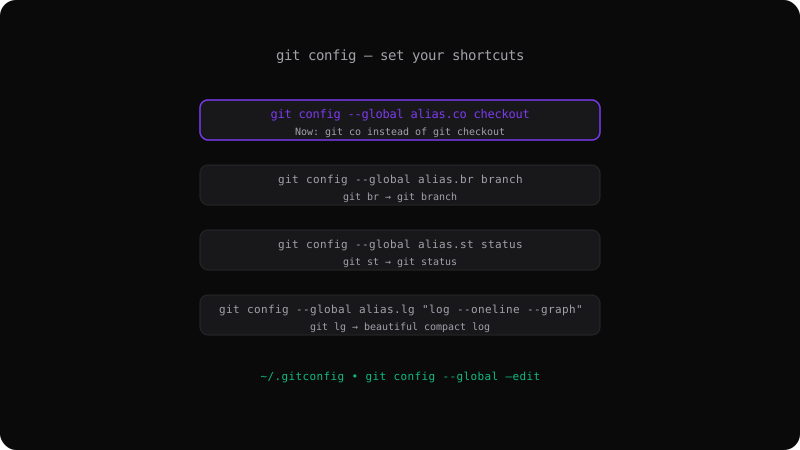
git config --global alias.co checkout
git config --global alias.br branch
git config --global alias.st status
git config --global alias.ci commit
Now you can use:
git co main
git br feature-login
git st
git ci -m "Message"
Advanced Aliases
Aliases can run complex commands:
# Better log with graph
git config --global alias.lg "log --oneline --graph --all --decorate"

# Show last commit
git config --global alias.last "log -1 HEAD"

# Undo last commit (keep changes)
git config --global alias.undo "reset --soft HEAD~1"

# List branches with dates
git config --global alias.branches "branch -a -v"
Shell Aliases
Prefix with ! to run shell commands:
git config --global alias.standup "!git log --since=yesterday --oneline --author=$(git config user.name)"
git config --global alias.root "!pwd"
Editor Integration
Edit aliases directly:
git config --global --edit
# Opens ~/.gitconfig in your editor
Example ~/.gitconfig section:
[alias]
  co = checkout
  br = branch
  st = status
  ci = commit
  lg = log --oneline --graph --all --decorate
  undo = reset --soft HEAD~1
Start Small
Add aliases for commands you use ten times a day. Within a week, muscle memory takes over and you will wonder how you lived without them.
Get the Offline Git Field Guide
The 97-page PDF + ePub course — $9. Read this command, offline.